Use this quick guide to find the serial number on your console model before entering it in the booking form.
PlayStation 3
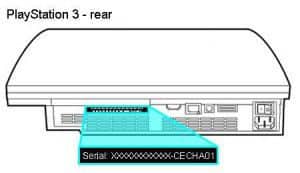
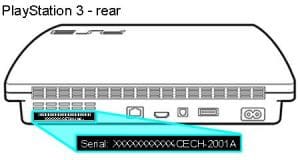
- Check the sticker on the back or underside near the ports. The 11-digit serial is printed under the barcode.
- From the XrossMediaBar go to Settings > System Settings > System Information.
PlayStation 4
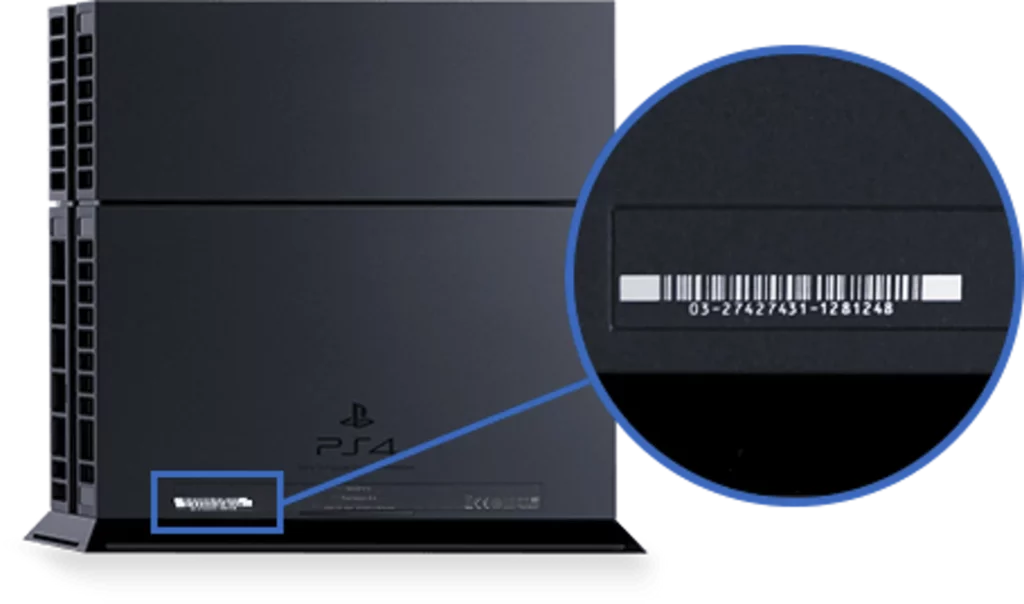
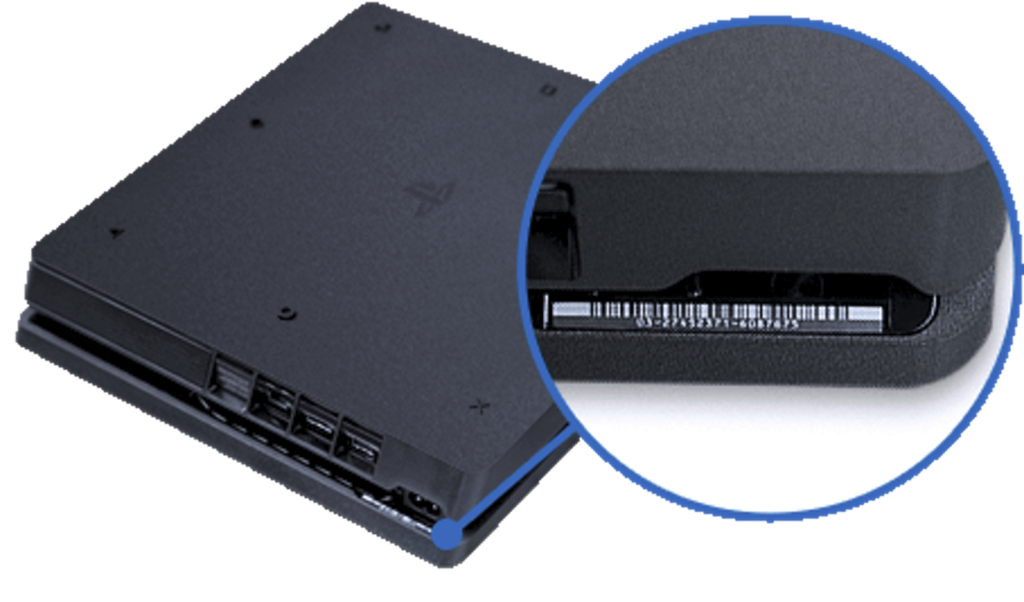
- Locate the barcode sticker on the back (or under the top lip on Slim/Pro). The serial number is listed below the barcode.
- Go to Settings > System > System Information; the serial appears at the top.
PlayStation 5
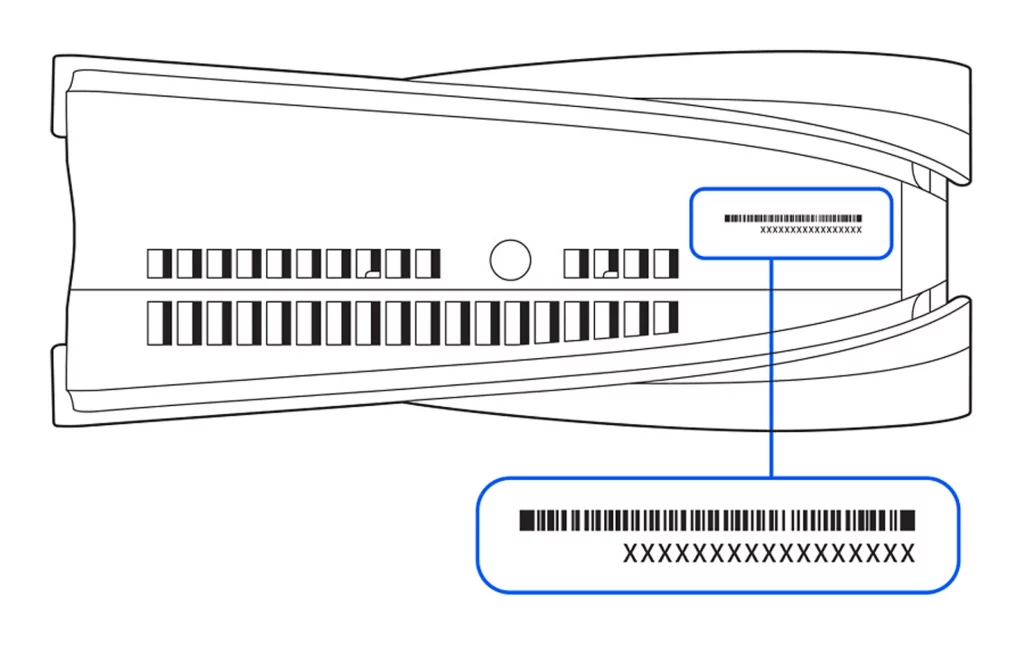
- If vertical, remove the stand and check the bottom. If horizontal, look under the left-side lip.
- You can also find it on the original packaging near the barcode.
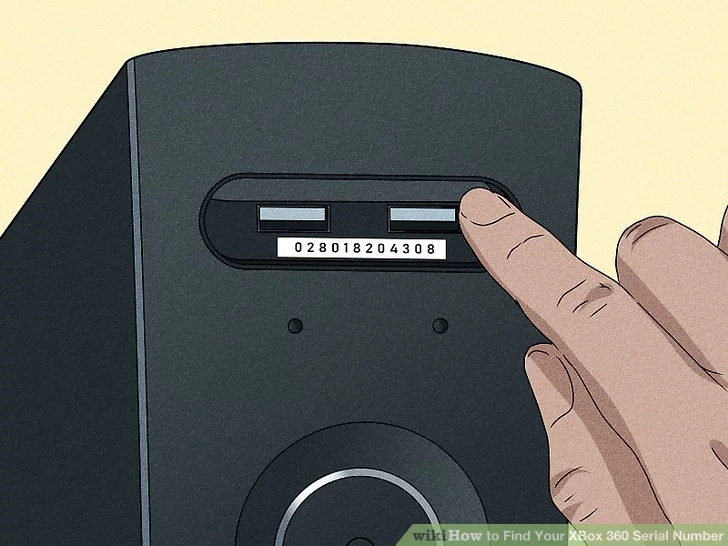
Xbox 360
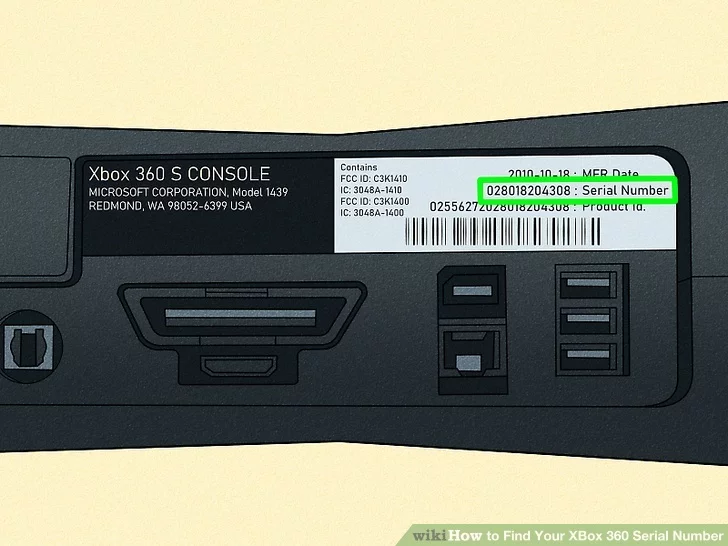
- Find the barcode sticker on the back near the A/V, HDMI, or USB ports.
- Press Guide > Settings > System > Console Settings > System Info; the serial is listed there.
Xbox One
- Flip the console over and check the bottom or back near the ports for the barcode sticker.
- Press the Xbox button > Profile & system > Settings > System > Console info.
Xbox Series X|S
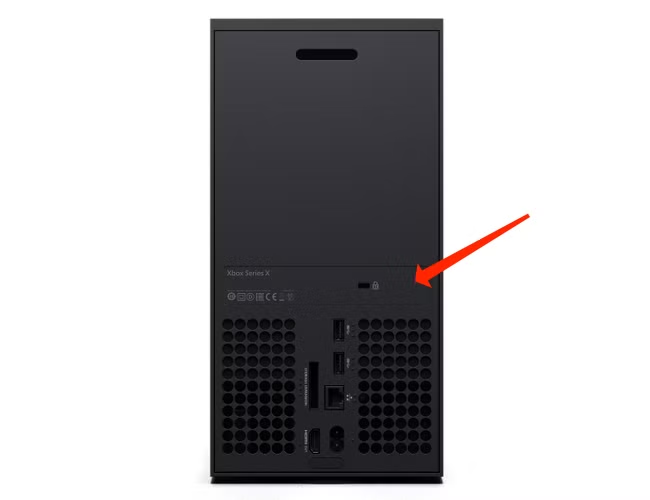
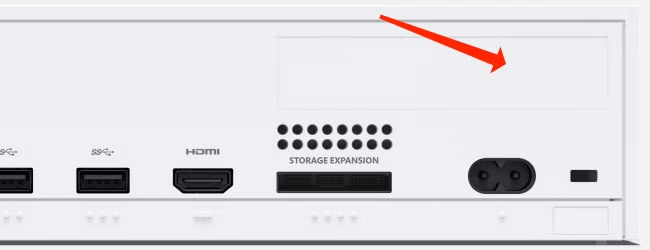
- On Series X: look above the USB ports on the back. On Series S: look above the power socket.
- Press the Xbox button > Profile & system > Settings > System > Console info.